Overview
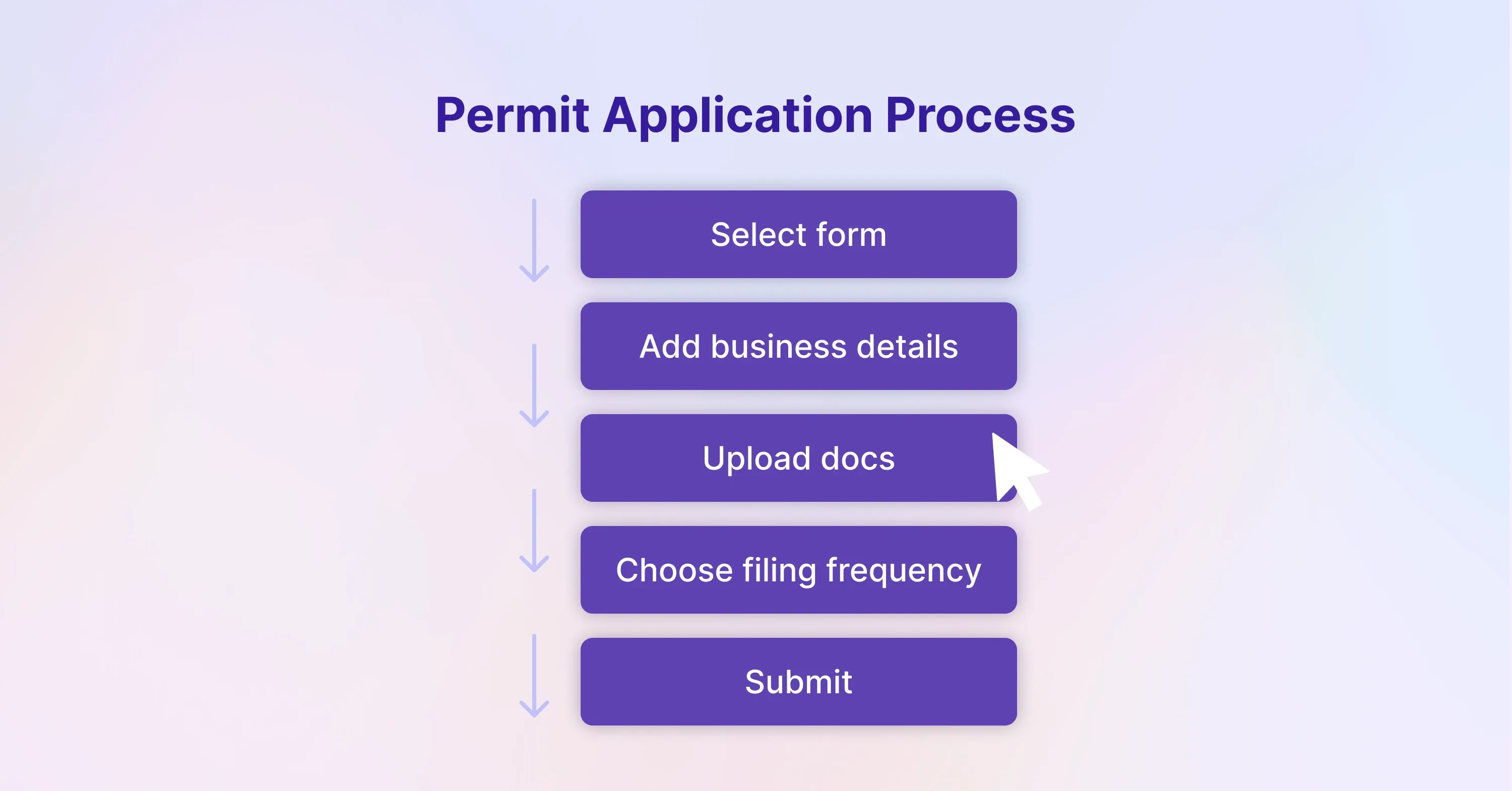
We start by explaining nexus - the legal link that triggers tax duty - then show how to confirm if you need to register, which paperwork each state requests, and how to submit it online.
You will learn:
-
The difference between physical and economic nexus, especially post-Wayfair
-
Where to locate state-specific forms and portals
-
How to structure your internal sales tax setup so returns become routine
-
Extra tips for online sellers, nonprofits, and international merchants
By the end, you will have a checklist ready for immediate execution and a sustainable process to stay compliant.
Step 1: Confirm Where You Have Nexus
The journey starts with knowing your footprint. Nexus is the minimum connection that allows a state to tax your sales. Without it, you cannot - or need not - register.
States use two main tests:
-
Physical presence: inventory, employees, an office, or even trade-show participation.
-
Economic presence: sales or transaction thresholds set after the 2018 Wayfair ruling.
A majority of states adopted thresholds modeled on South Dakota’s law upheld in Wayfair: $100,000 in annual sales or 200 transactions. However, a few states changed the dollar figure, removed the transaction count, or both.
-
Verify each state’s threshold on its Department of Revenue site.
-
Track both calendar-year and rolling-year totals, because several states recalculate monthly.
-
Remember five states - Alaska, Delaware, Montana, New Hampshire, Oregon - have no statewide sales tax, but local rules in Alaska can still apply.
Once you confirm nexus, keep a dated list. You will reference it during registration and audits.
For tailored guidance on mapping nexus and state-specific thresholds, consult the US Sales Tax Explained: State-by-State Guide.
Having a clear nexus map sets up every other step, because it dictates where you must register and collect tax. Now that you know the “where,” the next task is gathering the “who” and “what.”
Step 2: Gather Core Business Information
States ask for similar, but not identical, data. Preparing a digital folder saves time.
Typical items include:
-
Federal Employer Identification Number (EIN)
-
Legal business name, DBA, and entity type
-
Dates when nexus first arose in the state
-
NAICS code and product descriptions
-
Names, Social Security numbers, and addresses of owners with >10 % stake
-
Projected taxable sales for the next 12 months
-
Bank routing info for future refunds
If you sell through Amazon, Shopify, or a marketplace, pull transaction and shipping reports covering the current and previous year. These prove you passed the threshold and help you choose the right filing frequency later.
For a detailed comparison of required documentation across multiple markets, see the Sales Tax Registration and Compliance Guide for Global Sellers.
Gathering everything upfront eliminates application pauses, which is crucial when penalties may accrue retroactively from the first taxable sale. With your documentation organized, you are ready to open state accounts.
Step 3: Create an Online Profile With Each State Tax Agency
Nearly every state now prefers or mandates electronic registration. Portals differ, but the signup rhythm feels familiar.
Begin by entering your EIN, choose “Register a new business,” then follow prompts. Some states, such as Texas and California, run a combined application that issues multiple tax accounts at once (sales tax, franchise tax, etc.). Others, such as Colorado, require a separate registration for each location.
Helpful pointers:
-
Use a universal email alias like “tax@company.com” so multiple team members receive notices.
-
Assign a secure password manager entry with URLs and security questions.
-
Opt in to e-statements and text reminders when available.
For practical step-by-step guidance and key state portal quirks, explore US Sales Tax Registration Services: A Practical Guide.
Upon completion, you receive either an account number immediately or within one to three business days via email. Store these in your folder.
Finishing portal setup leads right into the formal application.
Step 4: Submit the Sales Tax Permit Application

Now you fill out the actual form (sometimes called a Certificate of Authority, Seller’s Permit, or simply a Sales and Use Tax License). Applications ask for the goods and services you sell, because some items - groceries, clothing, SaaS - receive partial or full exemptions in certain states.
-
Double-check start dates. If you choose a date later than your first taxable sale, expect back tax assessments.
-
Select the most lenient filing frequency the portal offers based on your sales estimate: monthly, quarterly, or annual. States can and will shift you to more frequent filings once revenue grows.
-
Upload any requested supporting files, for example, Articles of Organization or leases.
States that do not levy a statewide rate still issue permits for local jurisdictions in some cases. For instance, home-rule cities in Colorado administer their own taxes. Always check the fine print.
Approval times:
-
Instant in roughly half the states
-
Two to five days in most others
-
Up to four weeks if paper signatures or notarization is required
Once approved, print or save the certificate. Many marketplaces demand a copy before letting you collect.
At this point, you are legally authorized to charge tax. The next step is configuring systems so you collect the correct amount.
Step 5: Configure Your Sales Tax Setup
There are over 11,000 separate sales tax jurisdictions in the United States. Rates change frequently, especially local surtaxes. Getting them wrong leads to customer complaints or under-collection.
A solid configuration plan covers:
-
Address validation down to the street level for origin- vs. destination-based states
-
Taxability rules for each SKU, including exempt items like medical devices
-
System roles defining who can override tax codes
-
Scheduled audits of randomly selected transactions every quarter
Many businesses work with external specialists to monitor changing rules. Firms such as 1stopVAT, which combines automated tools with human tax professionals, can shoulder the compliance research while you focus on operations.
To compare top technology and consulting solutions and decide what fits your setup, check the Top Sales Tax Compliance Firms for Businesses.
After configuring systems, run a checkout test in every state where you registered. Ship to multiple ZIP codes with different local rates to confirm accuracy. Fixing errors now prevents costly amended returns later.
Step 6: Begin Collecting and Remitting Sales Tax
The moment your permit becomes active, collection must start. States that rely heavily on retail sales tax - these account for 32% of state tax revenue and 13 % of local revenue - watch for under-collection.
Best practices to keep remittance painless:
-
Reconcile platform sales figures with bank deposits daily.
-
Set calendar reminders at least seven days before each filing deadline.
-
File “zero returns” even if no tax is due; many states levy fines for missing reports.
-
Retain exemption certificates for resale or nonprofit customers in a searchable PDF archive.
For ongoing compliance, system updates, and cross-border considerations, consult the Global Sales Tax Solutions & VAT Compliance Guide.
If your transactions flow through marketplaces such as Etsy or Walmart, confirm whether the marketplace is a “marketplace facilitator.” In 38 states, facilitators collect on your behalf, reducing your liability. Still, keep the permit active because you may have direct-to-consumer sales to report.
Compliant remittance habits safeguard cash flow and audits become far less stressful.
Step 7: Maintain Ongoing Compliance and Monitor Thresholds
Registration is not a one-time chore. Growth, expansion into new channels, or state law changes can shift your obligations overnight.
Create a quarterly checklist:
-
Review year-to-date sales in states where you have no permit yet.
-
Check legislative updates for threshold changes or new local taxes.
-
Confirm that rate updates have synced in your ERP, POS, and ecommerce platforms.
-
Archive filed returns and payment confirmations in a cloud folder with naming conventions like “2025-Q1-NC-Return.pdf”.
To ensure robust recordkeeping and smoother audits, see more details in Compliance Checks: Ensuring Your Business Meets U.S. Tax Laws.
If you start shipping internationally, remember that many countries apply VAT or GST. A global compliance service like 1stopVAT can help you align these filings with your U.S. schedule, avoiding duplicated effort.
Staying organized keeps you on top of obligations and ready for audits, acquisitions, or due diligence requests.
7 key steps to register for US sales tax
To register for U.S. sales tax, businesses should: 1) determine physical or economic nexus in each state, 2) gather core company data including EIN and ownership details, 3) create an online account with each state tax portal, 4) submit a sales tax permit application matching the nexus start date, 5) configure checkout systems for accurate rate calculation, 6) begin collecting and remitting tax on schedule, and 7) review thresholds and rate updates quarterly to keep all permits current.
Conclusion
Registering for sales tax in the U.S. feels daunting because each state adds its own twist, yet the roadmap stays consistent. Determine nexus, assemble paperwork, open a state portal account, apply for a permit, configure your systems, start collecting, and monitor changes. Following these seven steps transforms a sprawling compliance puzzle into a manageable routine, freeing you to focus on growing the business rather than decoding thousands of tax rules.