

Everything You Need to Know to File VAT Returns Online
Keeping up with VAT obligations is a growing challenge for many businesses, especially with constant regulatory updates and tighter reporting expectations. The online VAT return submission process helps reduce manual errors, save time, and stay compliant with real-time tax reporting requirements. Though digital filing may seem unfamiliar at first, it simplifies how you file VAT returns online and aligns with the direction many tax authorities are taking. According to the UK government’s 2023 VAT statistics, the Wholesale and Retail sector contributed £55 billion to net VAT liability, and businesses earning over £10 million covered 75% of it. With so much at stake, streamlining your submission process is more critical than ever.
1. Understand the Essentials of Filing VAT Returns Digitally
Moving from paper-based processes to digital systems may seem complex at first, but it’s quickly becoming the standard across the EU and beyond. The online VAT return submission process is central to this shift, helping governments reduce errors, improve compliance, and close the VAT gap. According to the European Commission’s “VAT in the Digital Age” initiative, tax authorities are increasingly adopting real-time or near-real-time reporting through mandatory e‑invoicing. Countries like Spain (SII) and Italy (SdI) already require businesses to submit transaction data electronically.
Key benefits of going digital:
- Fewer manual errors.
- Faster checks through real-time reporting.
- Quicker and more accurate VAT return submissions online.
Want to see how automation fits into this trend? Explore Tax Technology Tools – VAT Compliance Automation.
What Is a VAT Return Online?
Filing a VAT return online means electronically sending complete sales, purchases, and VAT due information directly to your tax authority. Rather than filling out a paper return, businesses submit data through authorized software or a dedicated government portal, ensuring speed, accuracy, and up‑to‑date compliance.
2. Check Eligibility and Registration
Before starting the online VAT return submission process, ensure your business is correctly registered. VAT thresholds vary by country – for example, in the UK, businesses must register once annual turnover exceeds £90,000.
To get started:
- Review national VAT rules via your tax authority or the EU VAT Guide.
- Create or confirm access to your online VAT account.
- Check for special VAT schemes like flat-rate or margin schemes that may affect how you file.
Regulations change frequently. In 2023, Slovakia updated its VAT registration thresholds in line with EU reforms. Maintaining accurate registration matters – HMRC routinely conducts VAT inspections to ensure compliance, especially in cases of delayed or incorrect filings.
3. Organize Required Documentation
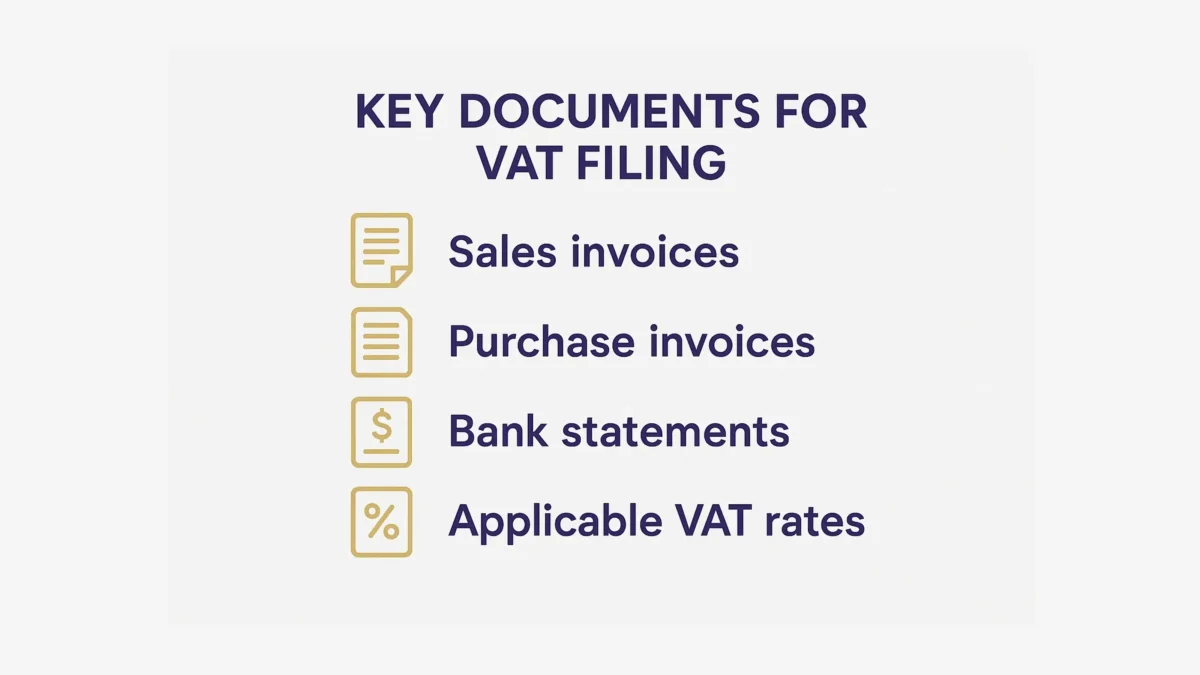
Before starting your online VAT return submission process, take time to organize the necessary documents. This ensures a faster, smoother experience and reduces the risk of errors during filing.
Here’s what to have ready:
- Sales invoices – with clear dates, invoice numbers, and applied VAT.
- Purchase invoices – showing input VAT that may be reclaimable.
- Bank statements – for matching transactions and verifying totals.
- Applicable VAT rates – double-check which rates apply to different goods or services.
Many businesses run into trouble when assigning the correct VAT rate, especially if they sell across multiple categories. Setting up a consistent system for storing and naming files can go a long way toward avoiding mistakes. For a real-world look at the consequences of poor VAT record-keeping, read VAT Compliance: How EU Businesses Lost €159M in Penalties.
4. Choose an Approved Filing Method
After organizing your documents, decide how you’ll submit your VAT return. Most tax authorities offer two main options:
- Official portals – Log in and manually enter your figures.
- Authorized software – Syncs with your accounting system and submits data automatically.
For businesses with complex or high-volume transactions, software is often more efficient. Many systems now offer pre-filled returns, reducing errors and saving time. Across the EU, digital reporting is becoming the norm. The European Commission supports this shift, and the UK’s Making Tax Digital requires most VAT-registered businesses to file using approved software. Whichever method you choose, testing it during a simpler VAT period can help you catch issues early.
5. Complete the Online VAT Return Submission Process
Now it’s time to fill out the actual return. While platforms may vary, the core steps are usually the same:
- Log in using your tax authority credentials or through secure software.
- Enter sales totals and VAT due.
- Add any adjustments, such as import VAT or partial exemptions.
- Reclaim eligible input VAT from purchases.
- Include zero-rated or exempt supplies, if applicable.
- Review and submit, checking that the final amount matches your records.
Pay attention to red flags – large discrepancies between your declared figures and industry averages may trigger extra scrutiny. Even small mistakes can lead to audits or delays.
For a real-world example of how errors can escalate, see VAT Compliance Lessons from the €200,000 Mistake.
6. Validate and Review Your Information
Before submitting your return, take a moment to run a quick internal check – even small mistakes can lead to penalties or delays.
- Compare figures with the previous VAT period to spot inconsistencies
- Double-check unusually high or low VAT amounts
- Reconcile invoices to catch missing or duplicate entries
According to the OECD, VAT contributes approximately 20.8% of total tax revenue across member countries – underscoring the need for accuracy. The European Commission also reports ongoing efforts to reduce the VAT gap through better data oversight. A final review helps ensure you’re submitting correct figures and staying on the safe side of compliance.
7. Submit and Save Your Confirmation
Once you’ve reviewed your return, go ahead and submit it – but don’t forget to keep proper records:
- Download the confirmation or receipt as proof of submission.
- Save a copy of your return in your accounting system or secure cloud storage.
- Schedule your VAT payment in advance to avoid late penalties.
Protecting tax data is more important than ever. Many tax authorities recommend using multi-factor authentication and secure digital storage to safeguard filings. In most countries, it’s a legal requirement to store VAT records for up to 5–10 years, creating an audit trail in case of inspection.
Conclusion
Filing VAT returns online offers several benefits: improved accuracy, instant verification, and a sleek platform that helps you stay compliant in a fast‑changing environment. Though it might feel new at first, embracing a digital path ultimately frees up your energy to focus on the growth and financial well‑being of your SME. With careful documentation and reliable software, each submission cycle becomes more seamless and less stressful. Start refining your processes now, and you’ll quickly see how straightforward it can be to file VAT returns online.
Frequently asked questions
A paper return involves mailing physical forms to your tax authority, while an online return is submitted electronically through official software or portals. Online submission is often faster, reduces manual error, and provides instant confirmation.
The submission frequency depends on your local legislation. Many companies file quarterly, but monthly or annual filing might apply in certain cases. Always review your country’s specific VAT regulations.
Many tax offices strongly encourage or require using authorized software, especially if your turnover passes certain thresholds. Software helps automate calculations and minimize errors, but some smaller businesses may still be allowed to file via an official website.
It depends on what your jurisdiction classifies as allowable input VAT. Some expenses (like non‑business‑related costs) can’t be reclaimed, so check your local guidance and keep detailed records.
Most tax portals have an option to amend or correct a recently filed return. Alternatively, you can submit an adjustment or follow your authority’s error correction procedures. Quick action helps you avoid extra penalties.